WhatsApp QR Code Generator
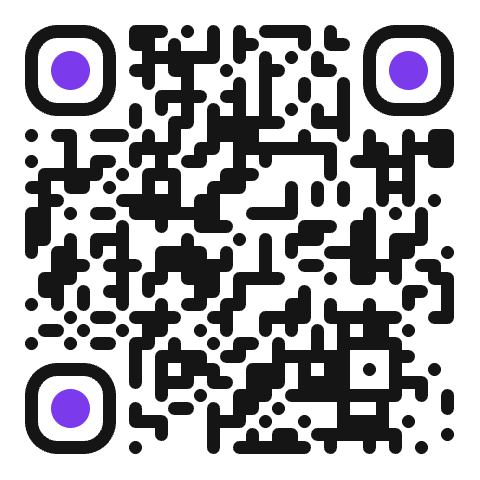
Let customers message you without saving your number. One scan opens a WhatsApp chat with you, and a message is already written for them: they just tap send.
- Free
- Never expires
- PNG & SVG
- 01 Type
- 02 Content
- 03 Style
Your WhatsApp.
Three steps. Done.
- 01
Add your number
Choose your country and type your WhatsApp number, with no spaces needed.
- 02
Pre-fill a message
Optional: “Hi! I'd like to book a table” saves your customers time.
- 03
Share it everywhere
Shop window, business card, delivery bag, flyer or social media.
Made for real life.
Bookings
Restaurants, hairdressers and studios take reservations by chat.
Orders and quotes
Customers send what they want, you answer with photos and prices.
Customer support
Put it on packaging so buyers reach you in one scan.
Real estate signs
Interested buyers message the agent right from the street.
Tips for a QR code that works.
- Use a WhatsApp Business number to show your opening hours and an automatic welcome message.
- Keep the pre-filled message short and clear about what the person wants.
- With a dynamic QR code, you can switch to another number later without reprinting.
- Add a short call to action next to the code, like “Scan to book on WhatsApp”.
Do customers need to save my number first?
No. The QR code opens the chat directly, even if your number isn't in their contacts.
Can I change the pre-filled message later?
Yes, with a dynamic QR code (Pro): change the message or the number anytime. A static QR code keeps the message it was created with.
Does it work with WhatsApp Business?
Yes. It works with any WhatsApp or WhatsApp Business number.
Is my phone number stored safely?
Yes. Your number and message are stored encrypted in your GrabyourQR account.
Other QR codes
Ready to grab
your QR code?
Create a free account and get your first QR code in under a minute.
No credit card · Free forever plan